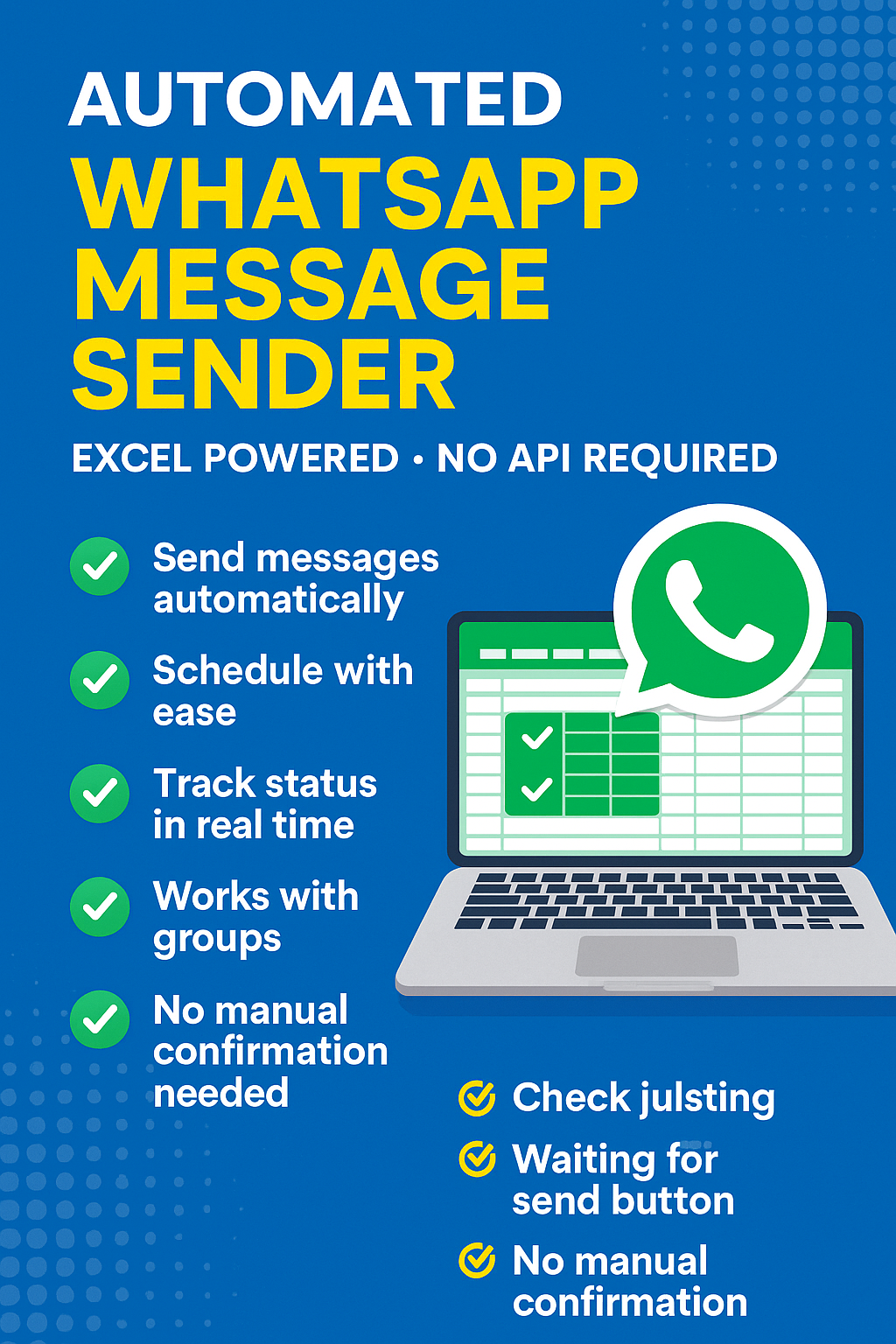
🔧 What is it?
The WhatsApp Auto Sender Tool is a simple yet powerful script built in Python that lets you send bulk or individual WhatsApp messages using your browser and an Excel spreadsheet.
Whether you’re a small business, freelancer, educator, or event planner—this tool is your secret weapon to fast, effective communication.
🚀 Key Features:
✅ Send Messages Automatically from your desktop via WhatsApp Web
✅ Read from Excel: Numbers & messages are pulled directly from a simple spreadsheet
✅ Track Status: Know instantly which messages were successfully sent or failed
✅ No WhatsApp API Required – avoids setup complexity and limitations
✅ Auto-Start Capability: Runs without requiring terminal input after launch
✅ Time-based Messaging (Optional): Schedule messages to send at a specific time
✅ Error Handling: Automatically handles and logs failed attempts
✅ Lightweight and Private: Your data stays on your device
💼 Perfect For:
Marketing agencies
Small businesses & service providers
Customer support agents
Teachers, schools, and tutors
NGOs and community organizations
Anyone wanting to automate WhatsApp communication
🛠️ How It Works:
Open the script.
Scan the WhatsApp QR code (once-off).
The tool reads numbers and messages from your Excel file.
Messages are sent via WhatsApp Web in Chrome.
Each message’s status and timestamp is updated in the spreadsheet.
📥 What You Get:
🐍 Fully editable .py Python script
📄 Sample Excel template
🧠 Step-by-step README guide
📁 All files bundled in a ready-to-run ZIP folder
🖥️ Optional desktop shortcut launcher
📌 Requirements:
Windows PC or Mac with Chrome browser
WhatsApp account (linked to your Chrome)
Basic Python environment installed (we’ll guide you)
Microsoft Excel or compatible spreadsheet program
🔐 Disclaimer:
This tool uses WhatsApp Web automation. Use responsibly and ethically. Mass spamming or unsolicited messaging may lead to account restrictions.

Reviews
There are no reviews yet.